
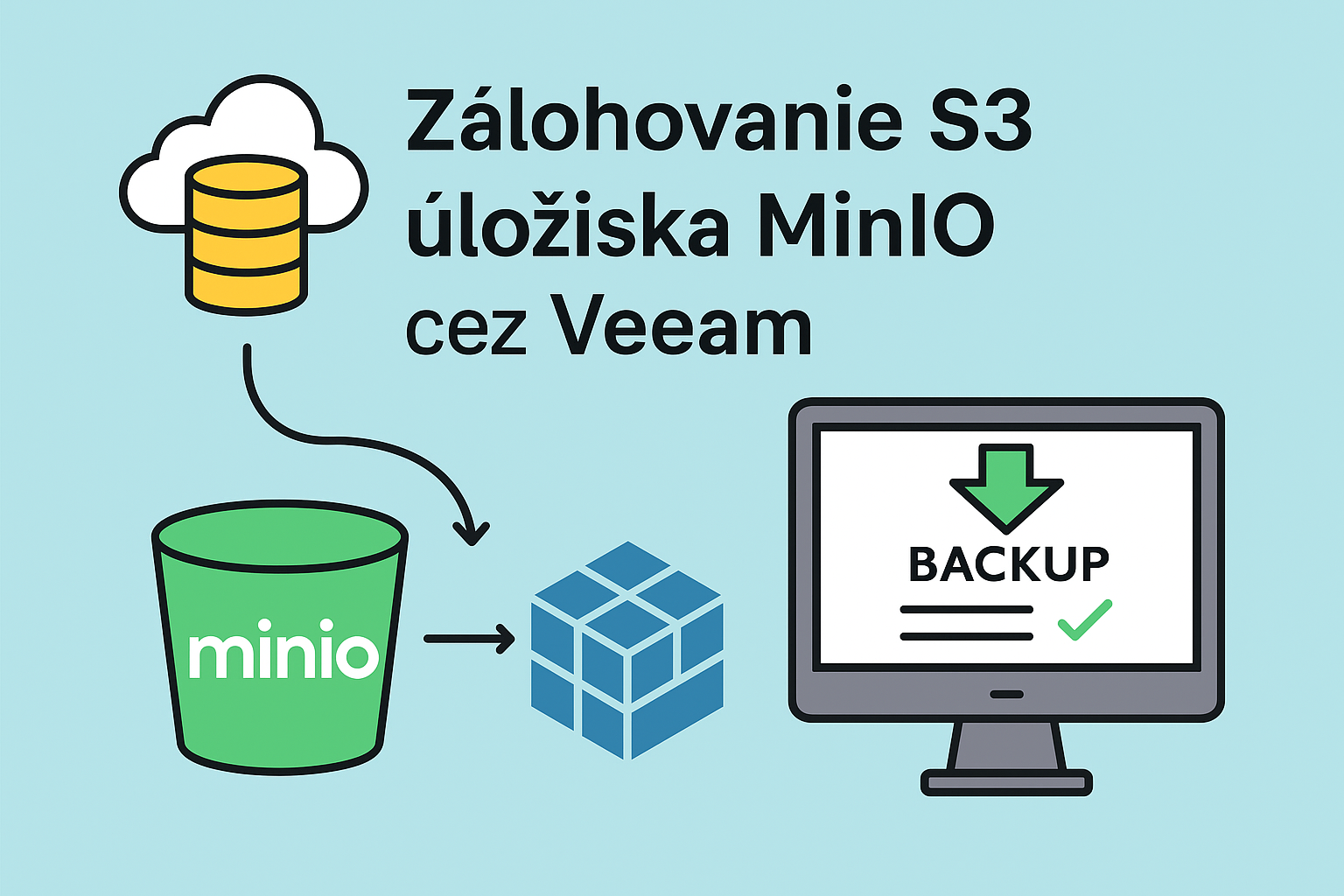
MinIO S3 backup with Veeam is critical for protecting your object data. In this guide, I will show you how to properly configure MinIO backup using Veeam Backup & Replication.
Replication is not backup! MinIO S3 backup with Veeam provides real protection against ransomware, human errors, and compliance requirements.
Why is MinIO S3 Backup with Veeam Important?
- Ransomware protection – backups are separated from production
- Human error protection – ability to restore deleted objects
- Compliance and archiving – historical object versions
- Geographic separation – disaster recovery outside primary storage
More about MinIO in the official MinIO documentation.
Configuring MinIO S3 Backup with Veeam
Step 1: Create Object Storage Backup Job
In Veeam console, create a new Object Storage Backup job.
Step 2: Select S3 Compatible Storage
- Storage type: S3 Compatible
- Endpoint: https://minio.example.com:9000
- Access Key: Your MinIO access key
- Secret Key: Your MinIO secret key
- Region: us-east-1 (default)
Step 3: Configure Processing Parameters
- Configure backup proxy
- Set cache repository for metadata
- Enable I/O control to minimize production impact
Step 4: Object Selection and Retention
- Select entire storage, specific bucket, or prefix filter
- Retention: 28 days for all object versions
- Archival: up to 3 years for long-term compliance
Step 5: Scheduling
- Daily execution (recommended: 22:00)
- Automatic retry: 3 attempts with 10-minute intervals
Benefits of MinIO S3 Backup with Veeam
- Incremental backups – only changed objects
- Object-level recovery – restore individual files
- Encryption – in-transit and at-rest
- Automated retention – based on organization requirements
Summary
MinIO S3 backup with Veeam provides complete object data protection. Key points:
- Replication is not backup – you need both
- Veeam supports S3 Compatible storage
- Set retention according to compliance requirements
- Object-level recovery enables granular restore
More guides on Veeam configuration in our section.

Odborník na kybernetickú bezpečnosť, správu Azure Cloud a VMware onprem. Využíva technológie, ako Checkmk a MRTG, na monitorovanie siete a zvyšovanie efektívnosti a bezpečnosti IT infraštruktúry. Kontakt: hasin(at)mhite.sk